Controllers & Keyboard Controls
Every PS2-to-Gamepad and Keyboard/Mouse binding in ReRAC (v0.3.9-alpha), Thruster-Pack strafing tips, Linux 8BitDo fixes, and tested PC controllers.
- Positional gamepad mapping
- WASD + Right-Click camera
- Multi-controller support (v0.3.8+)
- Linux 8BitDo fix included
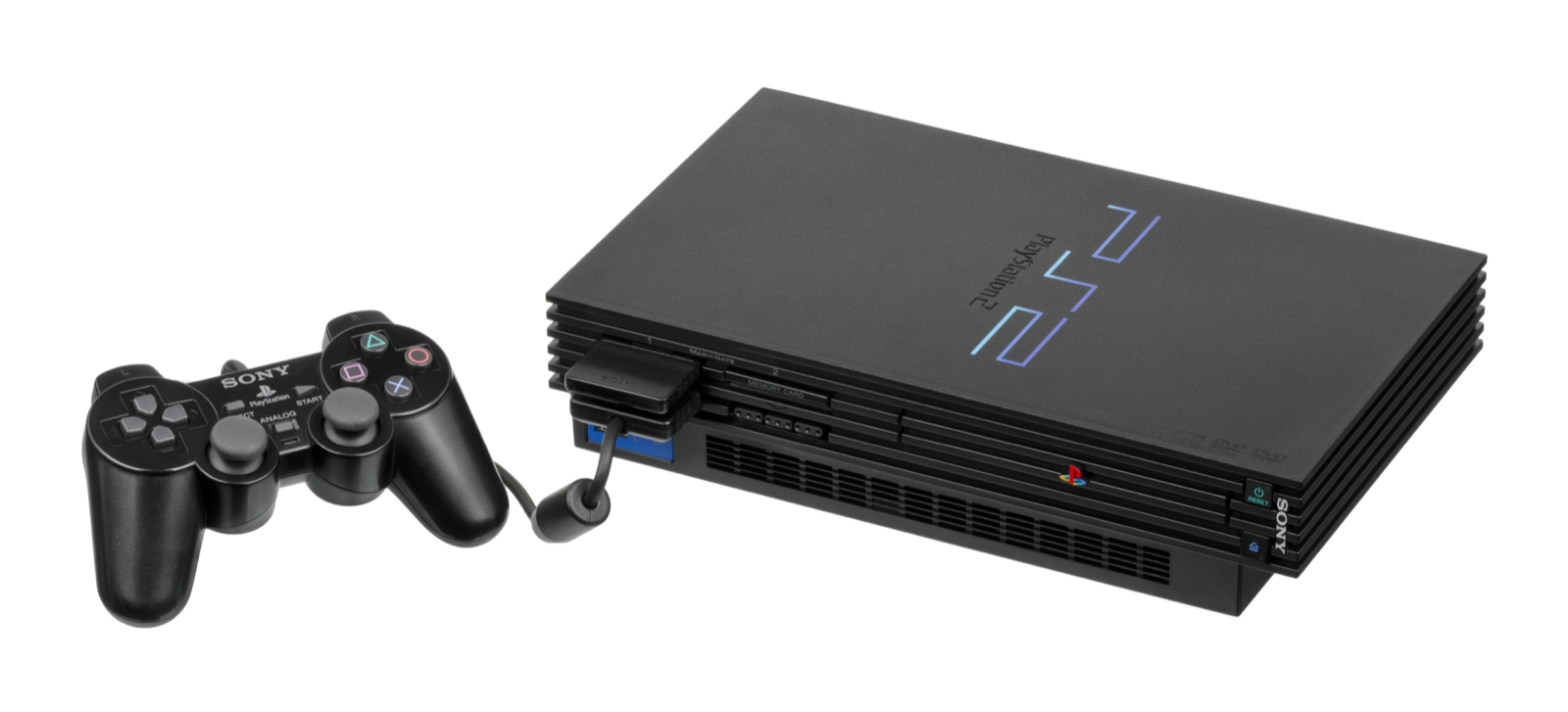
Complete Gamepad & Keyboard/Mouse bindings
ReRAC maps every original DualShock 2 button by physical position on modern controllers, and provides a full desktop keyboard-and-mouse control scheme out of the box:
| PS2 DualShock 2 Input | Modern Gamepad (Positional) | Keyboard & Mouse |
|---|---|---|
| Left Stick (Move) | Left Analog Stick | W A S D or Arrow keys (hold Shift to walk) |
| Right Stick (Camera) | Right Analog Stick | Hold Right Mouse Button + move mouse, or , / . |
| × Cross (Jump / Glide / Confirm) | Bottom face button (Cross / A / B) | Space |
| □ Square (OmniWrench) | Left face button (Square / X / Y) | J |
| ○ Circle (Fire weapon / Gadget) | Right face button (Circle / B / A) | K |
| △ Triangle (Quick Select / Back) | Top face button (Triangle / Y / X) | L |
| L1 (First-person aim) | Left Bumper (L1 / LB) | Q |
| R1 (Crouch / Secondary) | Right Bumper (R1 / RB) | E or Left Ctrl |
| L2 (Strafe / Crouch / Flip) | Left Trigger (L2 / LT) | Z |
| R2 (Strafe / Heli-Pack long jump) | Right Trigger (R2 / RT) | C |
| L3 / R3 (HUD / Taunt) | Left / Right Stick Click | V or Middle Mouse Button (R3) |
| D-Pad (Up / Left / Down / Right) | Directional Pad | T / F / G / H |
| Start / Select (Pause / Map) | Options / Menu & Share / View | Enter (Start) / Backspace (Select) |
How strafing & mouse camera work in Ratchet & Clank (2002)
Unlike Going Commando and Up Your Arsenal, the 2002 PlayStation 2 original ties lateral strafing to the Thruster-Pack (obtained on Pokitaru): double-tap and hold L2 (Z) or R2 (C) with the Thruster-Pack equipped to lock Ratchet’s facing direction and strafe side-to-side while firing, or tap R2/C while running with the Heli-Pack or Thruster-Pack to execute a forward boost jump.
- Mouse camera control: Hold the Right Mouse Button and move the mouse to orbit the 3D camera smoothly, or tap , and . for keyboard-only rotation. Hold Q (L1) for precision first-person aiming (first-person wrench throw pitch was fixed in
v0.3.8-alphavia PR #53). - Gamepad multi-device support (
v0.3.8-alpha): Starting inv0.3.8-alpha, ReRAC reads input from all connected controllers simultaneously rather than locking onto device index 0, and resolves missing face/shoulder buttons on 8BitDo Ultimate controllers under Linux. - SDL backend & DualSense haptics roadmap: Initial SDL controller support merged in PR #60, while native DualSense input, rumble, adaptive triggers, lightbar colors and dynamic controller icons are actively in review under PR #45 and PR #61.
Recommended PC controllers
ReRAC maps PlayStation 2 face buttons, bumpers, triggers and twin analog sticks by physical position across connected gamepads, with multi-controller detection and Linux 8BitDo mapping fixes in v0.3.8-alpha:
| Controller | Best For in ReRAC | Hardware Advantage | Link |
|---|---|---|---|
| Sony DualSense | Authentic PlayStation button layout | Symmetrical twin sticks matching DualShock 2 muscle memory + crisp D-pad | View on Amazon |
| 8BitDo Ultimate 2 Wireless | Linux, SteamOS & Windows desktop | Zero-drift TMR sticks, charging dock, verified Linux button mapping in v0.3.8-alpha | View on Amazon |
| GameSir Cyclone 2 | Precision 3D platforming & strafing | TMR sticks, hair-trigger locks for L2/R2 Thruster-Pack strafing, 1000 Hz wireless | View on Amazon |
| Xbox Wireless Controller | Plug-and-play Windows 10/11 | Native Windows XInput standard with positional face-button mapping | View on Amazon |
As an Amazon Associate, this site earns from qualifying purchases.
Hardware notes & controller troubleshooting
- Sony DualSense Wireless Controller: Symmetrical thumbsticks match the PS2 DualShock 2 layout directly. Note on macOS (Launcher Issue #5): if a Bluetooth-paired DualSense is not picked up by Bevy’s default HID backend on macOS, connect via a data-capable USB-C cable or close Steam Input while playing.
- 8BitDo Ultimate 2 Wireless: Zero-drift TMR joysticks with a 2.4 GHz charging dock. Ensure you run ReRAC
v0.3.8-alphaor newer (v0.3.9-alpha) on Linux / SteamOS so the 8BitDo button mapping fix is active. - GameSir Cyclone 2: Physical microswitch hair-trigger stops turn L2/R2 into crisp digital clicks, making Thruster-Pack double-tap strafing noticeably faster than full-travel analog triggers.
- Xbox Wireless Controller & third-party XInput pads: Works out of the box on Windows 10/11. If a third-party pad such as a GuliKit controller (Launcher Issue #8) defaults to Switch Pro mode, switch the controller’s hardware mode toggle to Windows / XInput (or launch through Steam Input).
Common questions
Can I remap keyboard keys or select a specific controller in-game?
Bindings follow the fixed positional layout above in v0.3.9-alpha. Custom controller selection when multiple pads or virtual devices are plugged in is tracked in Issue #46, and custom gadget button combos are tracked in Issue #44. On Steam or Steam Deck, you can rebind any button or mouse axis today via Steam Input.
Why does holding Right-Click move the camera instead of free mouse look?
ReRAC currently gates mouse camera movement behind holding the Right Mouse Button so cursor movement does not yank the camera when interacting with desktop windows. You can also rotate the camera with , and . or aim directly in first person with Q.